> ## Documentation Index
> Fetch the complete documentation index at: https://docs.zeroagent.io/llms.txt
> Use this file to discover all available pages before exploring further.
# Shopify
> Make your shopify store smarter AI Store Assistant
Zeroagent simplifies the integration of AI-powered assistants into your Shopify Online Store or any custom eCommerce platform. Below are the steps to connect and configure Zeroagent for both Shopify and Custom Stores.
## Connecting Shopify
* Login to [Zeroagent Console](https://app.zeroagent.io/).
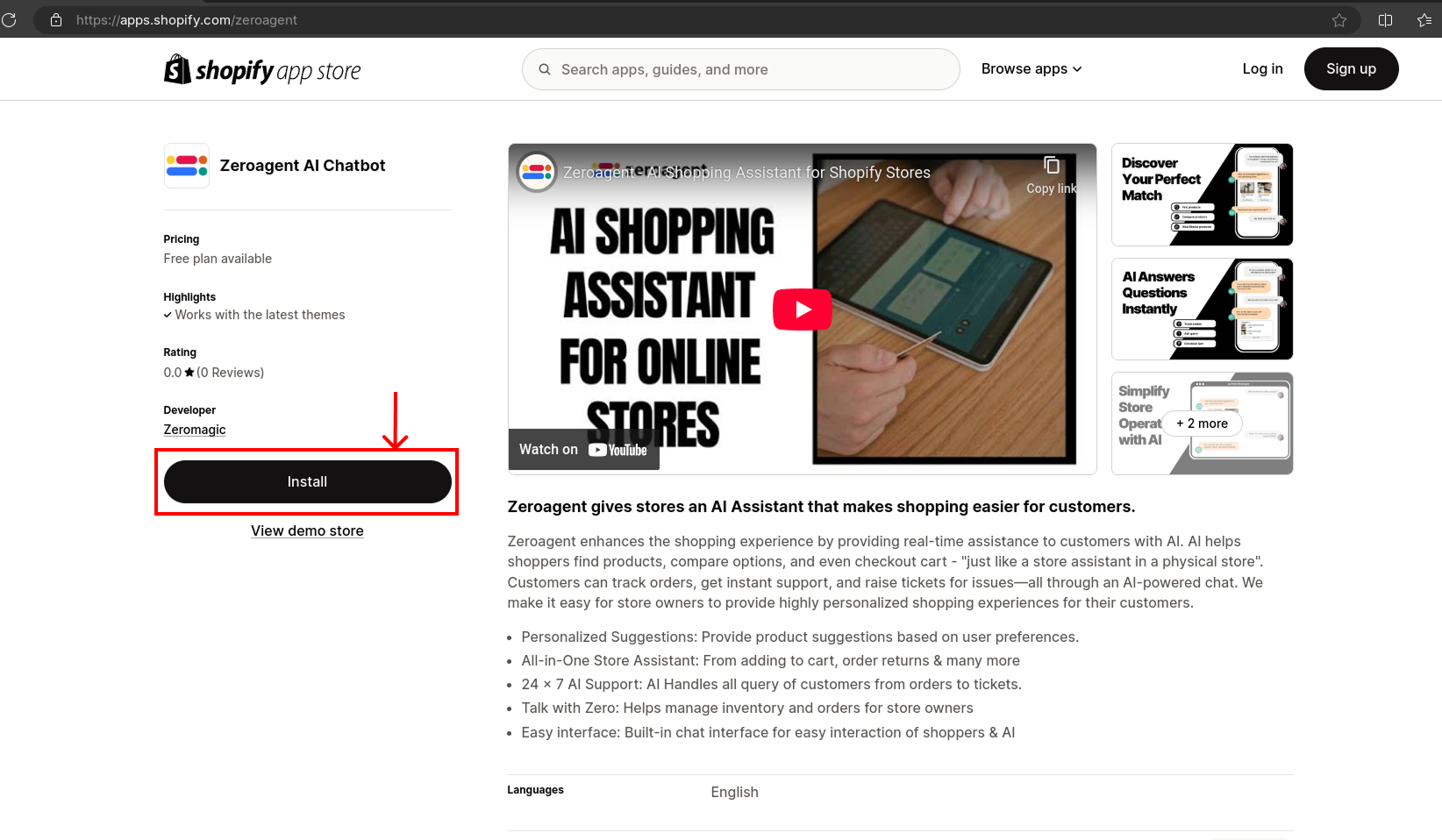
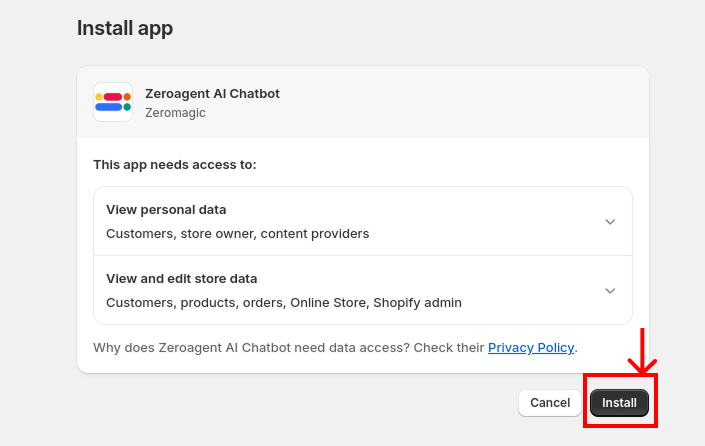
* Go to [Zeroagent Shopify App](https://apps.shopify.com/zeroagent). Click `Install`. This will install the app in your `shopify store`.
You will be redirected to the store's authorization page.
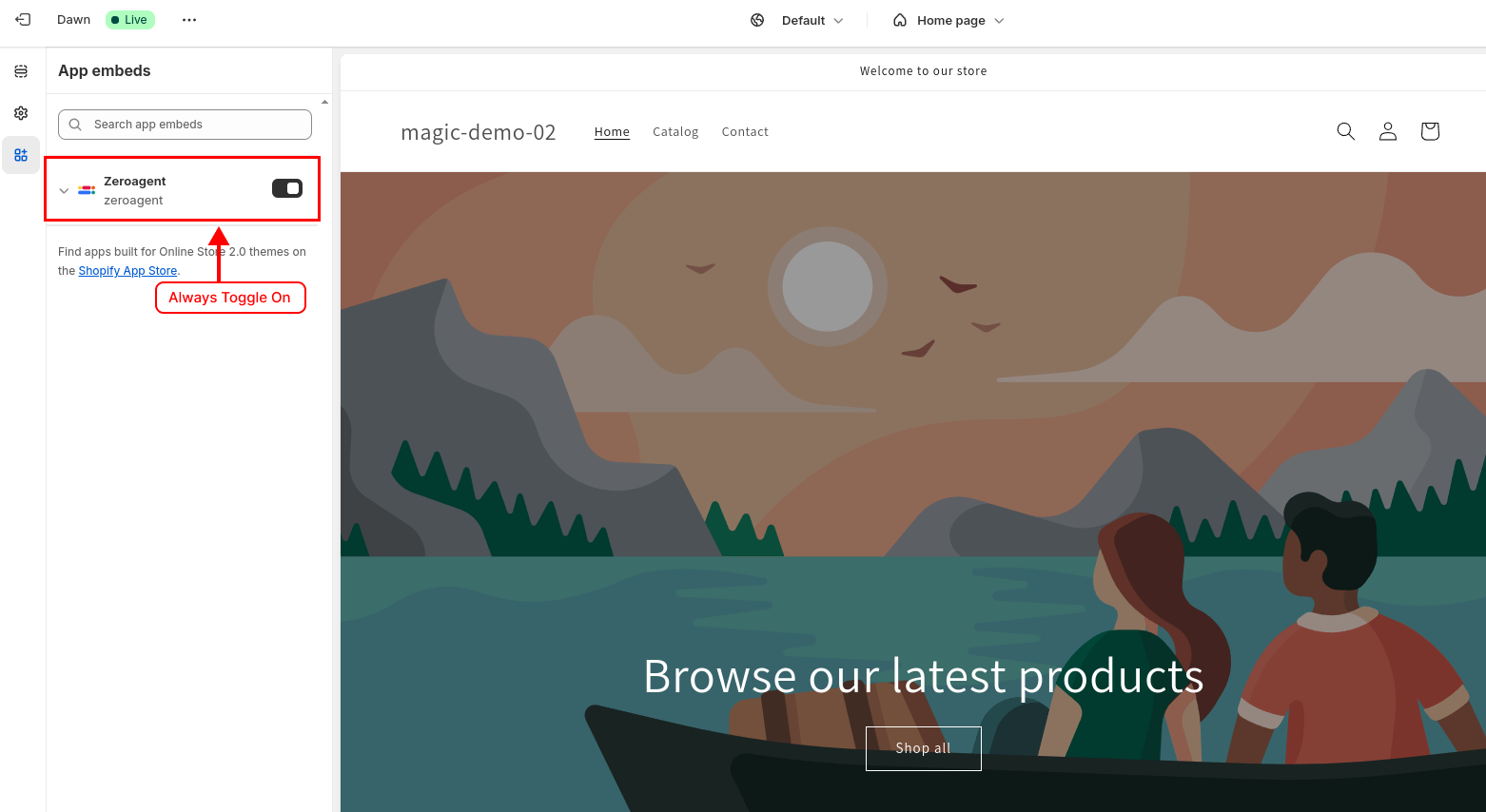
1. **App Embed Requirement:** Ensure that the Zeroagent `app embed` is always enabled to maintain proper functionality
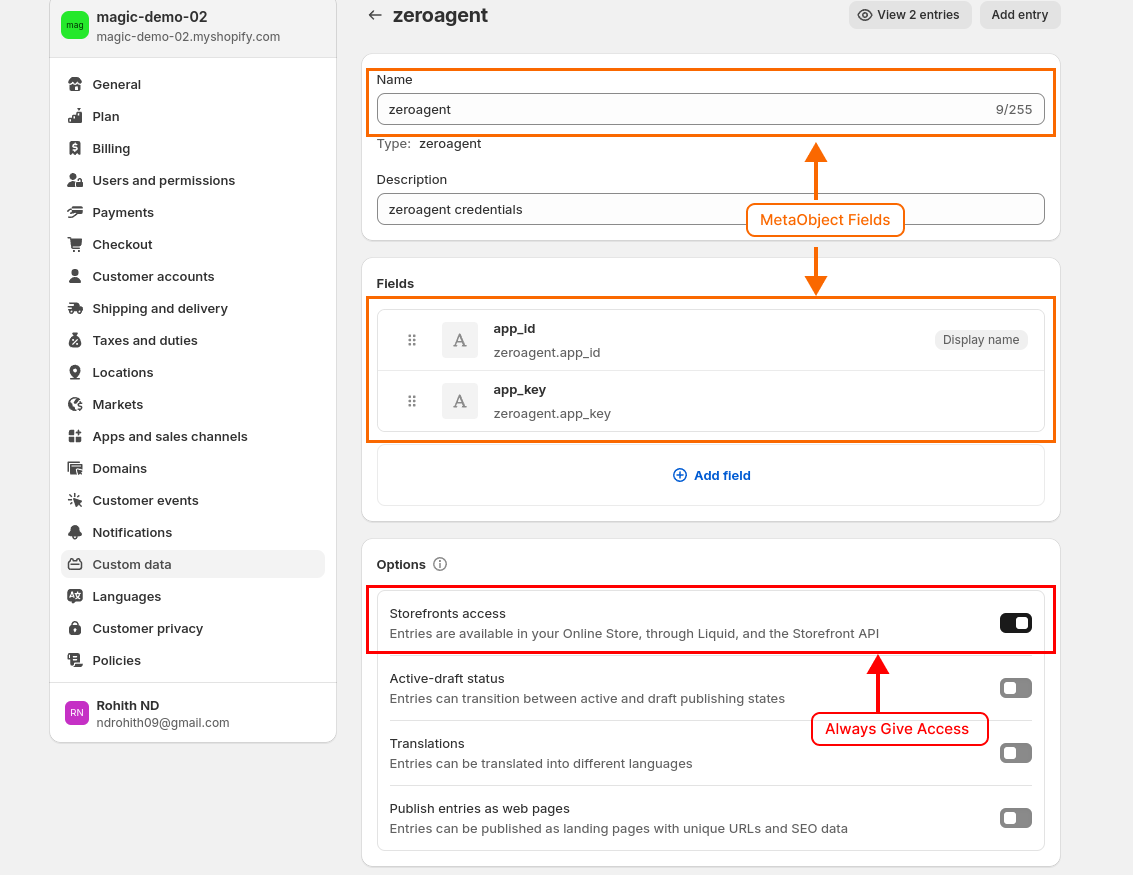
2. **Meta Object Usage:** Zeroagent utilizes `Meta Objects` to store credentials. You can find your Zeroagent credentials within these `Meta Object entries`. Please refrain from editing or removing these entries.
Zeroagent credentials will be stored in Meta Objects in your Store. Do not edit or remove these fields.
All your `products` are added default to AI Knowledge.
Learn more about the [Knowledge Base](/knowledge-base).
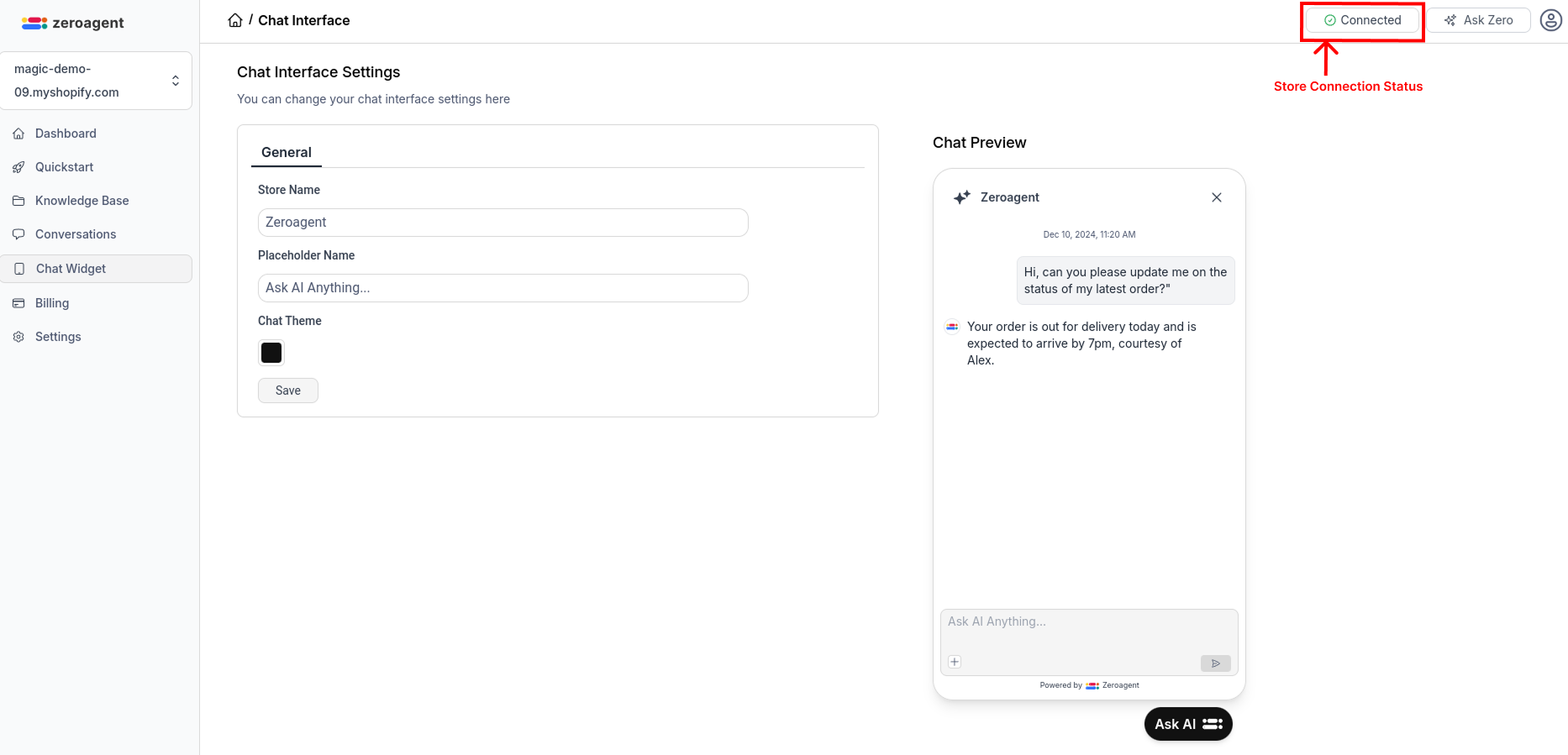
Update your chat widget interface settings.
Your AI Store Assistant is live and ready to assist customers.
If your store is disconnected from zeroagent platform, you will be notified to re-connect store.
## Troubleshooting
For any issues or errors, refer to our [FAQ](/materials/change-logs) or contact our [Support Team](mailto:support@zeroagent.io?subject=Feedback).
 1. **App Embed Requirement:** Ensure that the Zeroagent `app embed` is always enabled to maintain proper functionality
 2. **Meta Object Usage:** Zeroagent utilizes `Meta Objects` to store credentials. You can find your Zeroagent credentials within these `Meta Object entries`. Please refrain from editing or removing these entries.